
Executive Summary
HeyGen vs Synthesia 2026: Best AI Avatar Tool for Teams
What Is HeyGen?
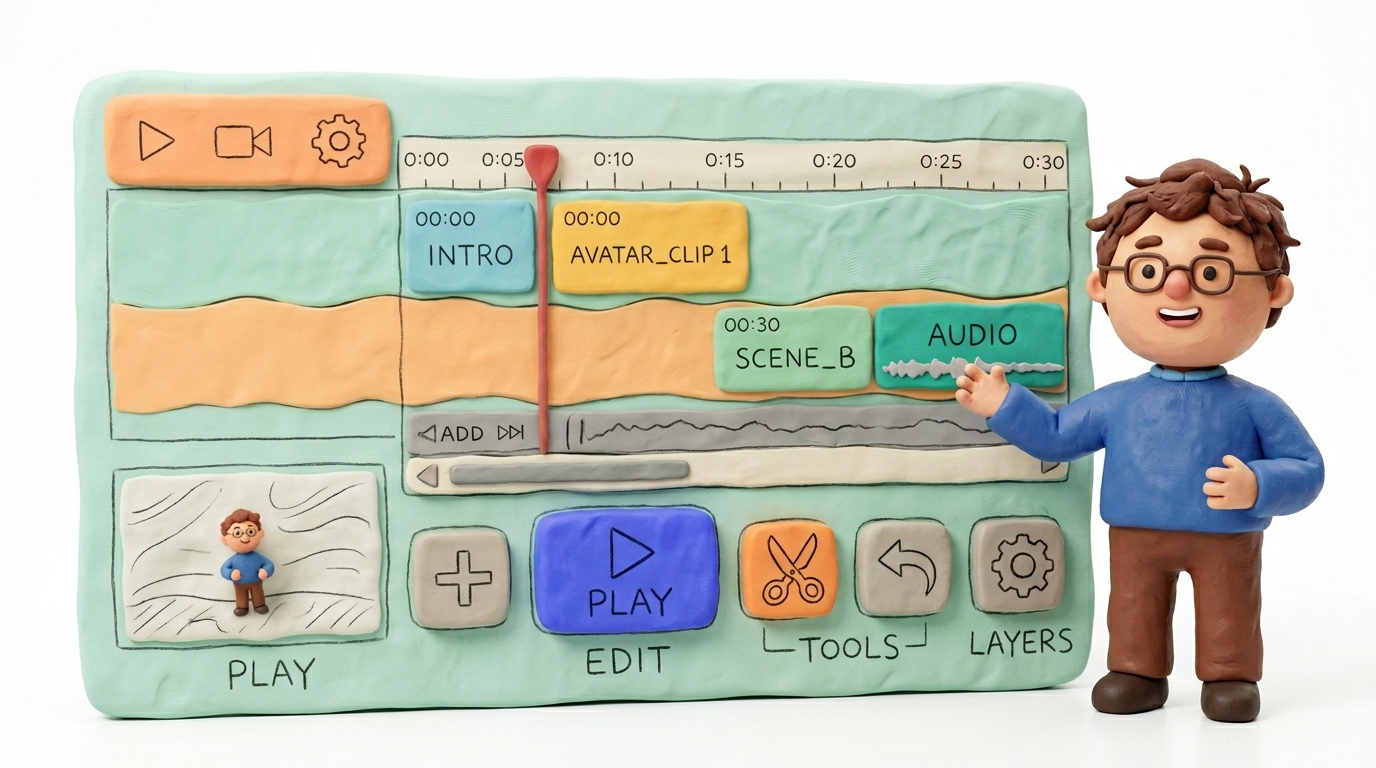
HeyGen is an AI avatar video platform built for speed, personalization, and scale. It lets you generate talking-head videos using digital avatars — either from its stock library or custom-trained clones of real people — without cameras, studios, or actors.
HeyGen’s core differentiator is personalized video at scale. Its API allows marketing teams to dynamically insert names, roles, or company details into avatar scripts, producing hundreds of unique outreach videos in a single batch. This makes it a go-to for sales enablement, product marketing, and personalized campaigns.
Other strengths include fast generation times (often under 5 minutes for a 2-minute clip), a growing set of integrations (HubSpot, Zapier, REST API), and an increasingly realistic avatar engine that handles lip sync and micro-expressions well. HeyGen also offers an instant avatar feature — upload a short selfie video and get a usable clone within minutes.
For a full breakdown, see our HeyGen review.
What Is Synthesia?

Synthesia is an enterprise-grade AI avatar platform designed primarily for learning & development (L&D), corporate communications, and training content. It is the most widely adopted AI video tool in Fortune 500 environments, with clients like Xerox, Zoom, and Reuters.
Synthesia’s strengths lie in structured content creation: studio-grade templates, built-in slide-style editors, 140+ language support with native lip sync, and enterprise security features including SOC 2 Type II compliance, SSO, and role-based access controls.
Where HeyGen leans into marketing agility, Synthesia leans into governance and consistency. Its scene-based editor functions like a simplified video PowerPoint — ideal for compliance training, onboarding modules, and internal knowledge bases. Synthesia also supports SCORM export, making it plug-and-play for LMS platforms.
Avatar Realism and Video Quality

Lip Sync Accuracy
Both platforms have improved dramatically in 2025–2026. HeyGen’s latest avatar engine (v3.5) [VERIFY] produces near-seamless lip sync in English, with occasional drift on longer sentences in tonal languages. Synthesia’s Express Avatars also deliver strong lip sync, though its stock avatars occasionally show a slight “floaty jaw” artifact on fast-paced dialogue.
Edge: HeyGen — marginally more natural mouth movement in English-language content.
Gesture Range and Body Movement
Synthesia offers scripted gesture control — you can insert pause markers, hand gesture cues, and head movement triggers directly in the editor. HeyGen’s avatars rely more on automatic gesture inference from the script tone, which feels organic but gives you less manual control.
Edge: Synthesia — more precise control for structured, professional content.
Custom Avatar Fidelity
HeyGen allows instant avatar creation from a 2-minute selfie video. Quality is surprisingly good for quick turnaround. Synthesia requires a professional studio shoot for custom avatars (booked through their team), but the result is noticeably higher fidelity — better skin texture, lighting consistency, and clothing detail.
Edge: Synthesia for quality; HeyGen for speed and accessibility.
Output Resolution
Both platforms export at 1080p by default. Synthesia offers 4K output on Enterprise plans [VERIFY]. HeyGen supports 4K on Business and Enterprise tiers [VERIFY]. Background compositing quality is similar — both handle virtual backgrounds and screen-share overlays cleanly.
Language Support and Localization
Language Count
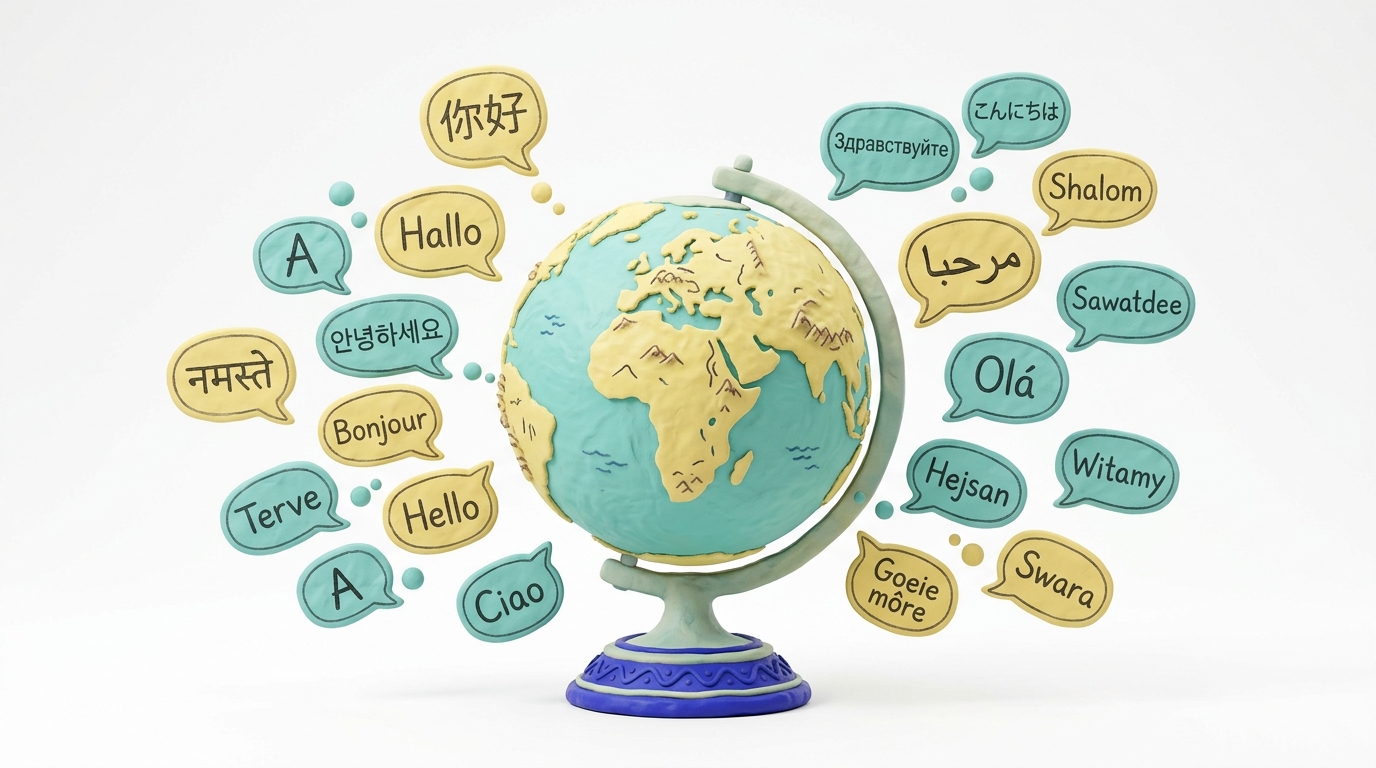
Synthesia supports 140+ languages and accents [VERIFY], including regional variants (e.g., Brazilian Portuguese vs. European Portuguese). HeyGen supports 40+ languages [VERIFY], with strong coverage across major business languages but thinner support for African and South Asian dialects.
Edge: Synthesia — significantly wider coverage.
Accent and Pronunciation Quality
Synthesia’s voice engine handles tonal languages (Mandarin, Vietnamese, Thai) with notably better intonation. HeyGen performs well in European languages but can sound slightly robotic in Japanese and Korean.
Built-in Translation Workflows
Both tools offer one-click translation: paste an English script, select a target language, and the platform generates a localized version with matched lip sync. Synthesia’s workflow is more polished — it preserves scene structure and slide timings during translation. HeyGen’s translation is script-level only; you may need to re-adjust pacing manually.
Edge: Synthesia — better end-to-end localization pipeline for multilingual training programs.
HeyGen vs Synthesia: Side-by-Side Comparison
| Feature | HeyGen | Synthesia | Winner |
|---|---|---|---|
| Avatar Realism (English) | Excellent — natural lip sync, micro-expressions | Very good — slight jaw artifacts on fast speech | HeyGen |
| Avatar Realism (Non-English) | Good for European languages, weaker on tonal | Strong across 140+ languages | Synthesia |
| Language Count | 40+ [VERIFY] | 140+ [VERIFY] | Synthesia |
| Custom Avatar Creation | Instant (selfie video) | Studio shoot required | HeyGen (speed) / Synthesia (quality) |
| Free Plan | Yes — limited credits [VERIFY] | Yes — limited to 1-minute videos [VERIFY] | Tie |
| Best For | Marketing, sales outreach, personalized video | L&D, training, compliance, internal comms | Depends on use case |
| API Access | Yes — REST API with dynamic variables | Yes — Enterprise tier only [VERIFY] | HeyGen |
| Integrations | HubSpot, Zapier, Salesforce [VERIFY] | LMS (SCORM), PowerPoint, Zapier [VERIFY] | Tie (different ecosystems) |
| Credit System | Credit-based (minutes) [VERIFY] | Credit-based (minutes) [VERIFY] | Tie |
| Export Options | MP4, GIF, link sharing | MP4, SCORM, link sharing, embed | Synthesia |
| Enterprise Security | SOC 2 in progress [VERIFY] | SOC 2 Type II, SSO, RBAC | Synthesia |
| Scene-Based Editor | Basic — linear timeline | Advanced — slide-style with templates | Synthesia |
| Batch/Personalized Video | Yes — core feature, API-driven | Limited — manual per-video | HeyGen |
Pros and Cons
| HeyGen | Synthesia | |
|---|---|---|
| Pros | Instant custom avatars; powerful API for personalization at scale; fast render times; competitive pricing | 140+ languages; SOC 2 compliance; SCORM export; best-in-class scene editor; enterprise trust |
| Cons | Fewer languages; weaker enterprise security features; less structured editor | Custom avatars require studio shoot; API access restricted to Enterprise; slower render for long videos |
Pricing (April 2026)

HeyGen Pricing
| Plan | Monthly (Billed Annually) | Credits / Limits | Notes |
|---|---|---|---|
| Free | $0 | 1 credit (≈1 min) [VERIFY] | Watermarked, limited avatars |
| Creator | $24/mo [VERIFY] | 15 credits/mo [VERIFY] | 1080p, instant avatars, basic API |
| Business | $108/mo [VERIFY] | 60 credits/mo [VERIFY] | Priority render, 4K, full API, team seats |
| Enterprise | Custom | Custom | Dedicated support, SLA, SSO [VERIFY] |
Synthesia Pricing
| Plan | Monthly (Billed Annually) | Credits / Limits | Notes |
|---|---|---|---|
| Free | $0 | 1-minute video [VERIFY] | Watermarked, limited templates |
| Starter | $22/mo [VERIFY] | 10 minutes/mo [VERIFY] | 1080p, 100+ avatars |
| Creator | $67/mo [VERIFY] | 30 minutes/mo [VERIFY] | Custom branding, full template library |
| Enterprise | Custom | Custom | SOC 2, SSO, SCORM, custom avatars, API [VERIFY] |
Key takeaway: HeyGen offers more accessible API and personalization features on lower tiers. Synthesia gates its most powerful enterprise and API features behind custom pricing. For budget-conscious marketing teams, HeyGen’s Creator plan delivers more flexibility per dollar. For L&D departments with enterprise procurement budgets, Synthesia’s governance features justify the premium.
Real-World Performance

We tested both platforms on two practical scenarios in March 2026:
Test 1: 2-Minute Marketing Product Video
Brief: A SaaS product launch video — one avatar presenter, screen-share overlay, background music, CTA end screen.
| Metric | HeyGen | Synthesia |
|---|---|---|
| Script-to-render time | 3 min 42 sec | 6 min 15 sec |
| Credit burn | 2 credits (Creator plan) | 2 minutes (Creator plan) |
| Lip sync quality | Excellent — no visible drift | Very good — minor jaw artifact at 1:28 |
| Background compositing | Clean, no edge bleed | Clean |
| Failure/retry | None | None |
Winner: HeyGen — faster render, slightly better avatar naturalness for marketing tone.
Test 2: 5-Minute L&D Onboarding Module
Brief: Five scenes: welcome intro, company values, safety policy, role overview, quiz CTA. Template-driven, two different avatars, translated into Spanish.
| Metric | HeyGen | Synthesia |
|---|---|---|
| Script-to-render time | 11 min 20 sec | 14 min 05 sec |
| Credit burn | 5 credits | 5 minutes |
| Scene editing | Manual — had to split and rejoin scenes | Native — slide editor handled transitions automatically |
| Translation to Spanish | Script translated; had to re-edit pacing | One-click — preserved all scene timings |
| SCORM export | Not available | Yes — ready for LMS upload |
| Failure/retry | 1 retry on scene 3 (avatar freeze) | None |
Winner: Synthesia — the structured editor and localization pipeline saved significant time for multi-scene training content.
Who Should Use HeyGen vs Synthesia?
Choose HeyGen If You Are:
- A marketing or sales team running personalized video outreach at scale
- A startup or SMB that needs fast iteration without enterprise procurement cycles
- Building API-driven workflows where video is generated dynamically (e.g., personalized onboarding emails, account-based marketing)
- Prioritizing avatar realism in English for customer-facing content
Choose Synthesia If You Are:
- An L&D or HR team producing training modules, compliance content, or onboarding programs
- An enterprise that requires SOC 2 compliance, SSO, and role-based access
- Creating content in 10+ languages with consistent quality
- Needing SCORM export for LMS delivery
- Building a content library of reusable, template-driven videos managed across departments
Frequently Asked Questions
Do HeyGen and Synthesia have free plans?
Yes, both offer free tiers. HeyGen provides approximately 1 credit (about 1 minute of video) with watermark [VERIFY]. Synthesia allows one free video up to 1 minute, also watermarked [VERIFY]. Neither free plan includes custom avatars or API access.
Which is better overall — HeyGen or Synthesia?
There is no single winner. HeyGen is the stronger tool for marketing personalization, API-driven video, and fast English-language content. Synthesia is the stronger tool for enterprise L&D, multilingual training, and compliance-grade content. Choose based on your team’s primary use case.
Do custom avatars require a studio shoot?
HeyGen: No. You can create an instant avatar from a 2-minute selfie video recorded on your phone or webcam. Quality is good but not studio-grade.
Synthesia: Yes, for high-fidelity custom avatars. Synthesia coordinates a professional shoot (often remote-guided). The result is significantly more polished but requires scheduling and higher cost [VERIFY].
Can I use either tool for external customer-facing content?
Both platforms permit commercial use on paid plans [VERIFY]. HeyGen is more commonly used for external marketing. Synthesia is more commonly used for internal content but fully supports external use cases.
Final Verdict
For marketing teams that need personalized video at scale, fast renders, and API flexibility, HeyGen is the clear winner — it’s faster, more affordable at lower tiers, and purpose-built for outreach workflows. For L&D and enterprise teams that need structured training content, 140+ languages, SCORM export, and SOC 2 compliance, Synthesia is the definitive choice — no other AI avatar platform matches its governance and localization depth. Most organizations benefit from evaluating both against their primary workflow. Explore the latest deals on HeyGen, Synthesia, and our full AI video tools collection.